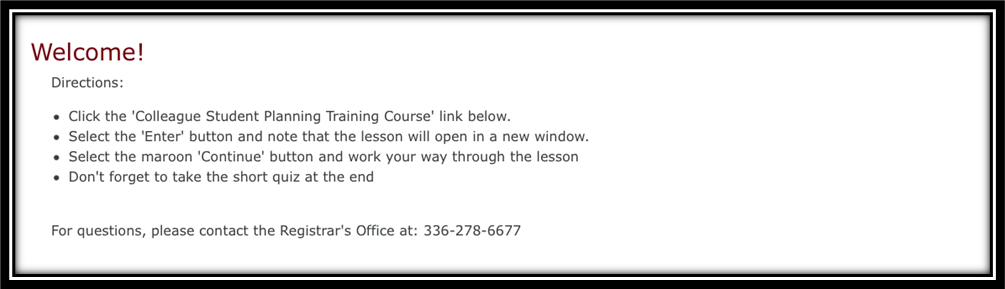
Enroll in the Colleague Self Service Training Course
The Registrar鈥檚 Office, in partnership with Teaching and Learning Technologies, has built a training course for you to use to familiarize yourself with Colleague Self Service in order to enhance your experience. Follow the steps below to self-enroll in the course hosted within Moodle.
Log into Moodle
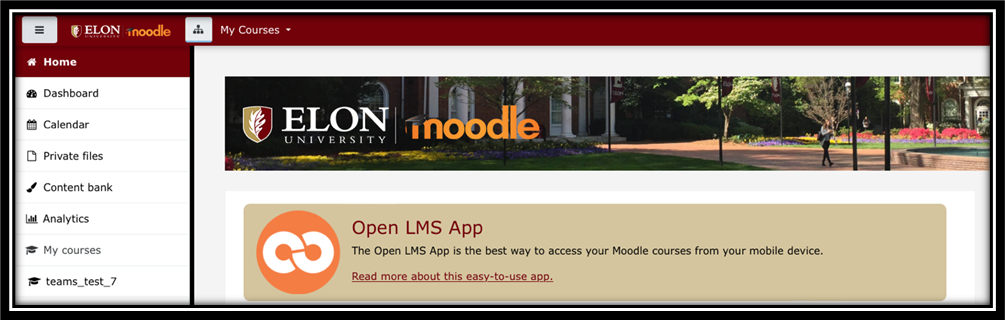
Scroll on the home screen until you find the Search courses search bar located under the Student Support and Faculty Support buttons.
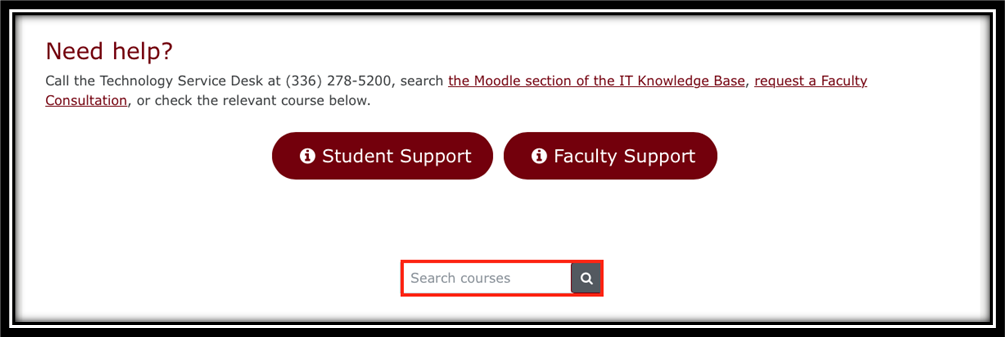
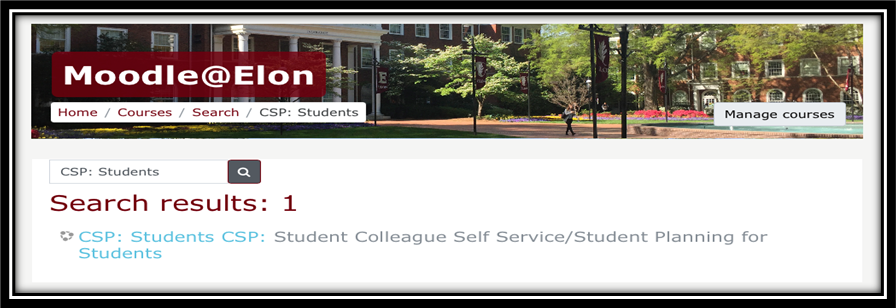
In the search bar, type in, 鈥楥SP:Students,鈥� and search by selecting the magnifying glass icon
Select, 鈥楥SP:Student Colleague Self Service/Student Planning for Students鈥�
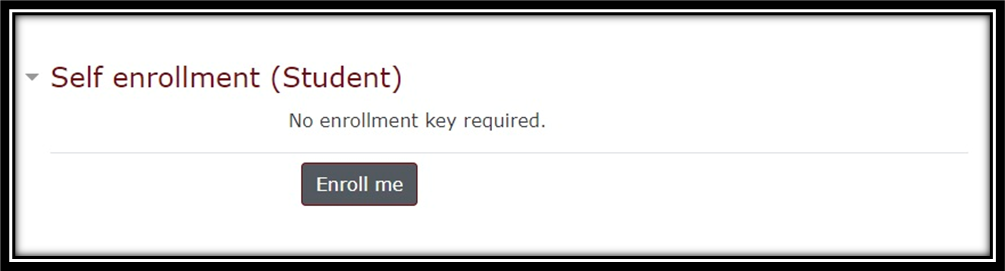
Select the Enroll me button
Follow the directions to view the course content